
MacVim
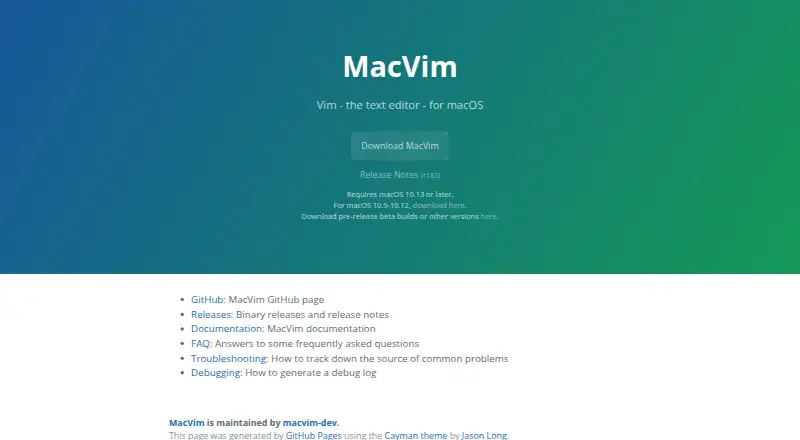
What MacVim is
MacVim is a macOS version of the Vim text editor presented through a graphical interface. Its native interface includes menus, dialog boxes, toolbars, and scroll bars, with native or non-native full-screen modes, font ligatures, and accurate text rendering. Vim capabilities include macro recording, column editing, extension support, and GUI tabs with customizable colors. Trackpad gestures, Touch Bar controls, and Command-key shortcuts can be mapped to Vim actions. MacVim connects with macOS system services, dictionary lookup, and Apple Intelligence Writing Tools. An included `mvim` script launches it from the terminal and opens files. It can register as an editor for standard formats, accept Finder and drag-and-drop files, and work as an external editor for applications supporting the ODB Editor Protocol. It is open source under the Vim License, free, and available through GitHub, Homebrew, or source builds. Current downloads require macOS 10.13 or later; a separate download covers macOS 10.9–10.12.
Who it suits
MacVim suits macOS users who want Vim workflows in a native graphical interface. It also fits users needing terminal launching, macOS integrations, or external-editor support.
What it does well
- Native menus, toolbars, and dialog boxes
- Macro recording and column editing
- Trackpad, Touch Bar, and Command-key mappings
- Free open-source Vim fork
- GitHub, Homebrew, and source installation
What to know first
- Requires macOS 10.13 or later for current download
- macOS 10.9–10.12 require a separate download
- Available only on macOS
Plans
| Plan | Billed and limits | Price |
|---|---|---|
| MacVim | macOS 10.13 or later; macOS 10.9–10.12 download available separately | Free |
As macvim.org lists them, read 11 Oct 2026. The maker's own page has the final word.
Verdict
MacVim combines Vim editing with a macOS-focused GUI and system integrations. Its free, open-source distribution offers several installation and file-opening routes for Mac users.
Facts from MacVim's own pages
- Column editing
- Yes · macvim.org, 22 Sept 2026
- Display
- MacVim supports native and non-native full-screen modes, font ligatures, and accurate text rendering. · github.com, 11 Oct 2026
- Extension support
- Yes · macvim.org, 22 Sept 2026
- External editor integration
- MacVim can act as an external editor for macOS applications that support the ODB Editor Protocol. · macvim.org, 11 Oct 2026
- File opening
- MacVim can register as an editor for standard file formats and supports opening files through Finder, drag and drop, and macOS System Services. · macvim.org, 11 Oct 2026
- Input
- Trackpad gestures, Touch Bar, and Command key shortcuts can be mapped to Vim actions. · github.com, 11 Oct 2026
- Install options
- The project offers GitHub releases, Homebrew formula and cask installation, and instructions for building from source. · github.com, 11 Oct 2026
- License
- The project says MacVim is released under the Vim License. · github.com, 11 Oct 2026
- macOS integrations
- MacVim integrates with system services, dictionary lookup, and Apple Intelligence Writing Tools. · github.com, 11 Oct 2026
- Macro recording
- Yes · macvim.org, 22 Sept 2026
- Native interface
- Its native GUI supports menus, dialog boxes, toolbars, and scroll bars. · github.com, 11 Oct 2026
- Platform requirement
- The official site says the current download requires macOS 10.13 or later and links to a separate download for macOS 10.9–10.12. · macvim.org, 11 Oct 2026
- Product
- MacVim is a macOS version of the Vim text editor with a graphical interface and macOS-specific features. · github.com, 11 Oct 2026
- Relationship to Vim
- MacVim is a downstream fork of Vim that routinely merges changes from upstream. · github.com, 11 Oct 2026
- Support
- The project directs users with issues or questions to open an issue or visit its discussions page. · github.com, 11 Oct 2026
- Supported platforms
- macOS · macvim.org, 22 Sept 2026
- Tabs
- MacVim provides Vim GUI tabs with customizable colors. · github.com, 11 Oct 2026
- Terminal use
- MacVim includes an `mvim` script for launching it from the terminal and opening files. · macvim.org, 11 Oct 2026
Where MacVim stands on Freedom251
- Text Editors#48 of 82