LogoLoom
What LogoLoom is
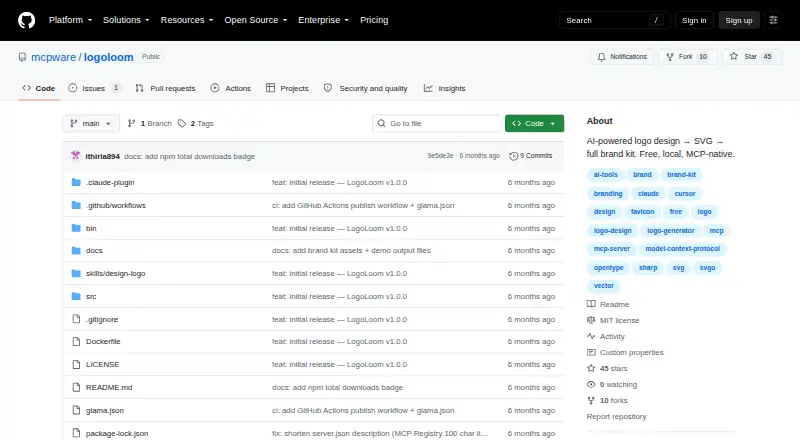
LogoLoom uses AI to design logos as SVG code and export a complete brand kit. It runs locally with zero API cost and is aimed at indie developers creating project logos and brand assets. Its documented workflow has Claude inspect a README and package.json, ask brand questions, generate 6–8 concepts, and refine the selected direction after approval. Exports include full-logo, icon-only, and wordmark-only SVGs in light, dark, and monochrome variants. A brand kit can contain PNG sizes, ICO, WebP, and BRAND.md with color codes, typography, and usage guidance. Tools convert SVG text to font-independent paths and optimize SVG files by cleaning and compressing them. The image_to_svg tool converts PNG or JPG images into vector graphics using vtracer. MCP setup examples are provided for Claude Code and Cursor. LogoLoom requires Node.js 18 or later, and image conversion also needs vtracer or potrace.
Who it suits
LogoLoom suits indie developers who want locally generated project branding and vector exports. It also fits users working with Claude Code or Cursor through MCP setup examples.
What it does well
- Runs locally with zero API cost
- Exports SVG, PNG, ICO, and WebP
- Includes a 31-file brand kit
- Supports commercial use
- Released under the MIT license
What to know first
- Requires Node.js 18 or later
- Image conversion needs vtracer or potrace
- Documented workflow depends on Claude
Plans
| Plan | Billed and limits | Price |
|---|---|---|
| Free | Free forever · runs locally · 31 brand-kit files | Free |
As github.com lists them, read 11 Oct 2026. The maker's own page has the final word.
Verdict
LogoLoom combines local AI logo generation with editable SVG tools and a packaged brand kit. Its free plan and commercial-use listing make it practical for independent project branding, provided the technical requirements fit.
Facts from LogoLoom's own pages
- Brand kit
- The brand kit includes PNG sizes, ICO, WebP, social images, and a BRAND.md with color codes, typography, and usage guidelines. · github.com, 11 Oct 2026
- Image conversion
- The image_to_svg tool converts PNG or JPG images to SVG vector graphics using vtracer. · github.com, 11 Oct 2026
- Integrations
- The README provides MCP setup examples for Claude Code and Cursor. · github.com, 11 Oct 2026
- Intended users
- The README describes LogoLoom as a way for indie developers to create project logos and brand assets with one command. · github.com, 11 Oct 2026
- License
- The repository is released under the MIT license. · github.com, 11 Oct 2026
- Local processing
- The project says it runs locally and has zero API cost. · github.com, 11 Oct 2026
- Maintainer
- The mcpware GitHub profile says its tools are built and maintained by @ithiria894, described there as one person. · github.com, 11 Oct 2026
- Purpose
- LogoLoom uses AI to design logos as SVG code and export a complete brand kit. · github.com, 11 Oct 2026
- Requirements
- LogoLoom requires Node.js 18 or later; image_to_svg additionally needs vtracer or potrace installed. · github.com, 11 Oct 2026
- SVG exports
- It can produce full-logo, icon-only, and wordmark-only SVGs in light, dark, and monochrome variants. · github.com, 11 Oct 2026
- SVG tools
- Its tools convert SVG text to font-independent paths and optimize SVGs by cleaning and compressing them. · github.com, 11 Oct 2026
- Workflow
- The documented workflow has Claude read a README and package.json, ask brand questions, generate 6–8 concepts, and iterate based on the user's selection and approval. · github.com, 11 Oct 2026
Where LogoLoom stands on Freedom251
- AI Logo Makers#22 of 65