Freedom251 › Image Converter Software
GConvert
What GConvert is
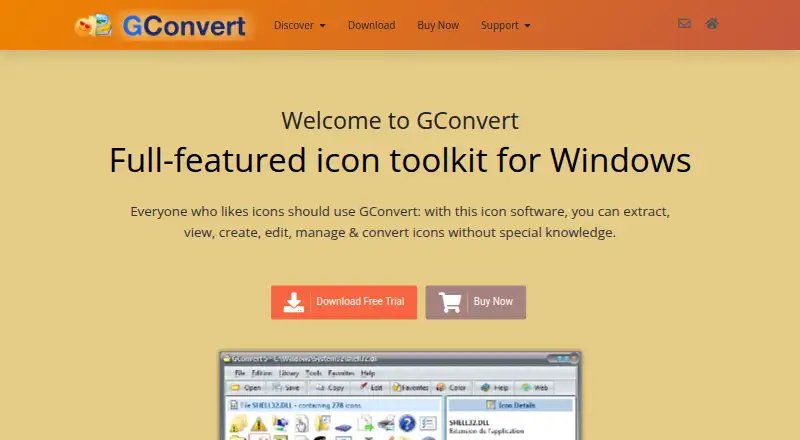
GConvert is a Windows toolkit for extracting, viewing, creating, editing, managing, and converting icons. It reads resources from EXE, DLL, ICL, ICO, ICNS, RSRC, CUR, and ZIP files, and exports icons as ICO, BMP, PNG, PSD, JPEG, GIF, or CUR. Its editor can add or remove icon images, resize them, generate images, and create icons from imported image files. For collections, it creates and manages ICL libraries, and can compile icons into DLL files or ZIP archives. Batch tools save or convert several selected icons at once, with optional image filtering. GConvert also supports image resizing and color mode conversion. Compatible applications can exchange files through drag and drop, and an optional Windows Explorer context menu provides another way to open the toolkit. The download is a Windows self-installing executable; its download page lists version reference 5.2.0 and says the file is digitally signed. A single-user license costs 25.00 USD as a one-time purchase, with full features, no time restriction, free minor upgrades, and priority email and forum support. A 15-day trial is available.
Who it suits
GConvert may suit Windows users and software developers who need to create, edit, convert, or organize icon resources. Its batch tools also serve users processing multiple selected icons.
What it does well
- Reads icon resources from eight listed file types.
- Exports to seven listed image and icon formats.
- Can manage ICL libraries and compile DLL or ZIP files.
- Batch-converts selected icons in one operation.
- Includes a 15-day trial.
What to know first
- Windows only.
- No free plan is listed.
- Phone support is not provided.
Plans
| Plan | Billed and limits | Price |
|---|---|---|
| GConvert single license | One-time purchase; page lists USD 25 without VAT. · 1 user · full features · no time restriction · free minor upgrades · priority email and forum support | $25, paid once |
As gdgsoft.com lists them, read 9 Oct 2026. The maker's own page has the final word.
Verdict
GConvert covers individual icon editing as well as library management and batch conversion. Its one-time license includes full features for one user, while support is offered by email and tickets rather than phone.
Facts from GConvert's own pages
- Audience
- G.D.G. Software describes its work as developing applications for Windows users and software developers. · gdgsoft.com, 9 Oct 2026
- Batch processing
- It can batch-save or convert several selected icons in one operation, with optional image filtering. · gdgsoft.com, 9 Oct 2026
- Company
- G.D.G. Software SAS lists its postal address in Marly, France, and says it has developed and marketed software since 2006. · gdgsoft.com, 9 Oct 2026
- Download version
- The download page lists version reference 5.2.0 and states that the file is digitally signed to authenticate the company and confirm the code has not been altered. · gdgsoft.com, 9 Oct 2026
- Export formats
- It can export icons to ICO, BMP, PNG, PSD, JPEG, GIF, and CUR formats. · gdgsoft.com, 9 Oct 2026
- Formats
- It reads icon resources including EXE, DLL, ICL, ICO, ICNS, RSRC, CUR, and ZIP files. · gdgsoft.com, 9 Oct 2026
- Icon editing
- Its editor can add, remove, resize, and generate images for icons, and can create icons by importing image files. · gdgsoft.com, 9 Oct 2026
- Icon libraries
- It creates and manages ICL libraries and can compile icons into DLL files or ZIP archives. · gdgsoft.com, 9 Oct 2026
- Integrations
- GConvert supports drag and drop with compatible applications and an optional Windows Explorer context menu. · gdgsoft.com, 9 Oct 2026
- Platform limit
- The download page describes GConvert as a Windows self-installing executable and lists Microsoft Windows requirements. · gdgsoft.com, 9 Oct 2026
- Purpose
- GConvert is a Windows toolkit for extracting, viewing, creating, editing, managing, and converting icons. · gdgsoft.com, 9 Oct 2026
- Support
- G.D.G. Software offers free technical support by email and tickets to all users, with priority for paying customers; it says phone support is not provided. · gdgsoft.com, 9 Oct 2026
Where GConvert stands on Freedom251
- Image Converter Software#29 of 36