Freedom251 › Collage Maker Software
Diptic
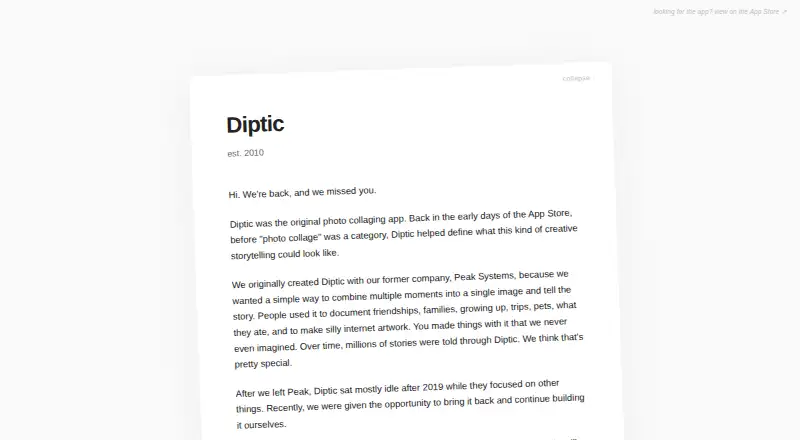
What Diptic is
Diptic creates and shares photo and video collages on iOS and macOS. It offers more than 194 layouts, each combining up to nine photos or videos. Photos can use filters and brightness, contrast, hue, and saturation controls, with separate pan, rotate, mirror, flip, and zoom adjustments. Video collages can mix stills and clips, add music from a library, and set audio and video start and end points. Borders support adjustable width, color, texture, and curvature, while captions offer font, style, color, and size controls. Diptic exports PNG and JPG images at standard print ratios and video files, sharing to Instagram, Facebook, text, and email. Media imports from a library, camera, or Dropbox. No account is required, and the maker says photos stay on-device unless shared. The Diptic plan costs $2.99, paid once; watermark-free exports are not included.
Who it suits
It suits iPhone, iPad, iMessage, and macOS users making mixed photo-video collages with editable layouts, captions, borders, and sharing options.
What it does well
- 194+ collage layouts
- Combines photos and videos
- Detailed image adjustments
- Music and clip timing controls
- No account required
What to know first
- Layouts hold up to nine frames
- Watermark-free exports are unavailable
- Paid plan costs $2.99, paid once
Plans
| Plan | Billed and limits | Price |
|---|---|---|
| Diptic | iPhone, iPad, iMessage · in-app purchases available | $2.99, paid once |
As diptic.fyi lists them, read 7 Oct 2026. The maker's own page has the final word.
Verdict
Diptic offers extensive collage layouts and controls for photos, videos, borders, captions, and exports. Its nine-frame layout limit can be worked around by nesting exported collages, but watermark-free exports are not provided.
Facts from Diptic's own pages
- Account and data
- Diptic does not require an account, and its privacy policy says it is not designed or functionally able to collect personal information such as name, email, phone number, location, or contacts. · diptic.fyi, 7 Oct 2026
- Borders and captions
- Users can customize border width, color, texture, and curvature, and add captions with customizable font, style, color, and size. · diptic.fyi, 7 Oct 2026
- Export and sharing
- Diptic exports PNG or JPG at standard print ratios and supports sharing to Instagram, Facebook, text, and email. · diptic.fyi, 7 Oct 2026
- Founded
- 2010 · diptic.fyi, 28 Sept 2026
- Image editing
- It includes filters and controls for brightness, contrast, hue, and saturation, with independent pan, rotate, mirror, flip, and zoom for photos. · diptic.fyi, 7 Oct 2026
- Integrations
- The maker says users can import media from their library, camera, or Dropbox. · diptic.fyi, 7 Oct 2026
- Layouts
- The app offers 194+ layouts and can combine up to nine photos or videos in one layout. · diptic.fyi, 7 Oct 2026
- Notable limit
- The largest layout holds nine frames; the maker suggests nesting an exported collage inside another layout to include more images. · diptic.fyi, 7 Oct 2026
- Platform compatibility
- The App Store listing identifies iPhone, iPad, and iMessage availability and says iOS 11.0 or later is required for iPhone. · apps.apple.com, 7 Oct 2026
- Privacy
- The maker says Diptic is not designed to track users across apps or websites, analyze personal photo contents, or upload or store photos remotely; photos remain on-device unless users share them. · diptic.fyi, 7 Oct 2026
- Purpose
- Diptic creates and shares photo and video collages. · apps.apple.com, 7 Oct 2026
- Support
- The maker provides support at [email protected] and directs users with troubleshooting questions to its FAQ. · diptic.fyi, 7 Oct 2026
- Video editing
- Users can mix photos and videos in a layout, add music from their library, and control where audio and video clips start and stop. · diptic.fyi, 7 Oct 2026
Where Diptic stands on Freedom251
- Collage Maker Software#30 of 34