Freedom251 › Remote desktop software

Dayon!
by Dayon!
What Dayon! is
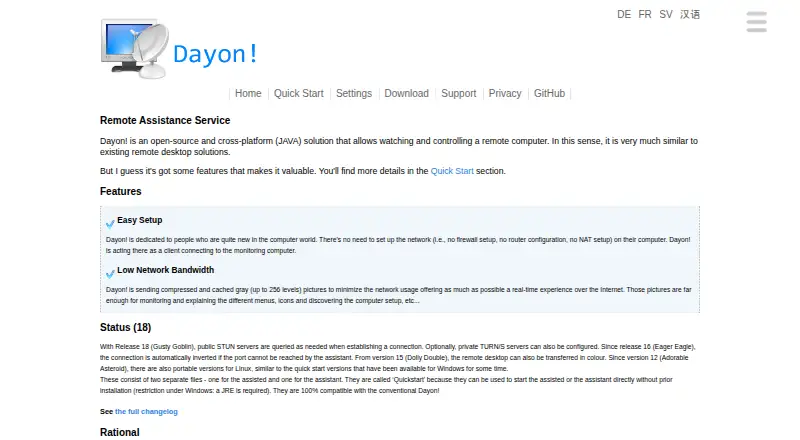
Dayon! is free, open-source software for watching and controlling a remote computer. It runs on Windows, macOS, and Linux, and is intended for people who need to help family or friends who are new to computers. The assisted computer connects as a client, avoiding firewall, router, or NAT configuration there. Dayon! reduces network use by sending compressed, cached grayscale images, with an option for color. Remote control is disabled initially and can be enabled or disabled during a session. Clipboard transfer carries text, files, and graphics between the two computers, and file transfer is supported. A session can start a joint Jitsi meeting for conversation. Communications are encrypted by default, while certificate fingerprints help compare the two ends of a connection. The default token server stores an IP address for up to seven days after last use; a self-hosted token server is possible. Dayon! is GPL-licensed.
Who it suits
Dayon! suits people helping less experienced computer users remotely on Windows, macOS, or Linux. It also fits users who want attended support with file, clipboard, and conversation tools.
What it does well
- Free GPL-licensed software
- Runs on Windows, macOS, and Linux
- No firewall, router, or NAT setup on client
- Clipboard and file transfer supported
- Jitsi meeting can start from a session
What to know first
- Remote control is off by default
- Default token server stores IP addresses up to seven days
- macOS may require Java JRE 11 or newer
Plans
| Plan | Billed and limits | Price |
|---|---|---|
| Dayon! | No price or usage limits stated | Free |
As retgal.github.io lists them, read 12 Oct 2026. The maker's own page has the final word.
Verdict
Dayon! combines attended remote viewing and control with transfer and chat options across three desktop platforms. Its client connection simplifies setup, while token-server storage and the optional self-hosted alternative are important privacy details.
Facts from Dayon!'s own pages
- Access mode
- attended · retgal.github.io, 20 Sept 2026
- Bandwidth
- It sends compressed, cached grayscale images to reduce network usage, with an option for color display. · retgal.github.io, 12 Oct 2026
- Connection verification
- The assistant and assisted computers display certificate fingerprints that should match to help detect man-in-the-middle attacks. · retgal.github.io, 12 Oct 2026
- Connectivity
- The assistant listens on port 8080 by default, and Dayon! can create a port-forwarding rule when UPnP is enabled. · retgal.github.io, 12 Oct 2026
- File and clipboard transfer
- Clipboard transfer supports text, files, and graphics between the assistant and assisted computers. · retgal.github.io, 12 Oct 2026
- File transfer
- Yes · retgal.github.io, 20 Sept 2026
- Founded
- 2008 · retgal.github.io, 28 Sept 2026
- Free plan
- Yes · retgal.github.io, 20 Sept 2026
- Integration
- Users can start a joint Jitsi meeting from the session to chat with the remote peer. · retgal.github.io, 12 Oct 2026
- Intended users
- Dayon! is designed for people who are new to computers and want to help family and friends remotely. · retgal.github.io, 12 Oct 2026
- License
- The maker describes Dayon! as free software licensed under the GPL. · retgal.github.io, 12 Oct 2026
- Network traversal
- Release 18 uses public STUN servers as needed and supports configuring private TURN/S servers. · retgal.github.io, 12 Oct 2026
- Platform requirements
- The download page provides Windows, Linux, and macOS packages; macOS requires Java JRE 11 or newer when needed. · retgal.github.io, 12 Oct 2026
- Purpose
- Dayon! is an open-source solution for watching and controlling a remote computer. · retgal.github.io, 12 Oct 2026
- Remote control
- Remote control is off by default and can be switched on or off during a session. · retgal.github.io, 12 Oct 2026
- Security
- The privacy statement says communications are encrypted by default and the software does not collect or share personal identifiable data with third parties. · retgal.github.io, 12 Oct 2026
- Setup
- The assisted computer connects as a client, so it does not need firewall, router, or NAT configuration. · retgal.github.io, 12 Oct 2026
- Support
- Users can post questions or open issues on GitHub. · retgal.github.io, 12 Oct 2026
- Supported platforms
- Windows,macOS,Linux · retgal.github.io, 20 Sept 2026
- Token privacy
- The default token server stores a user's IP address for up to seven days after its last use; users can configure a self-hosted token server instead. · retgal.github.io, 12 Oct 2026
Where Dayon! stands on Freedom251
- Remote desktop software#68 of 135