Freedom251 › Photo Editing Software
Darkroom
by Darkroom
What Darkroom is
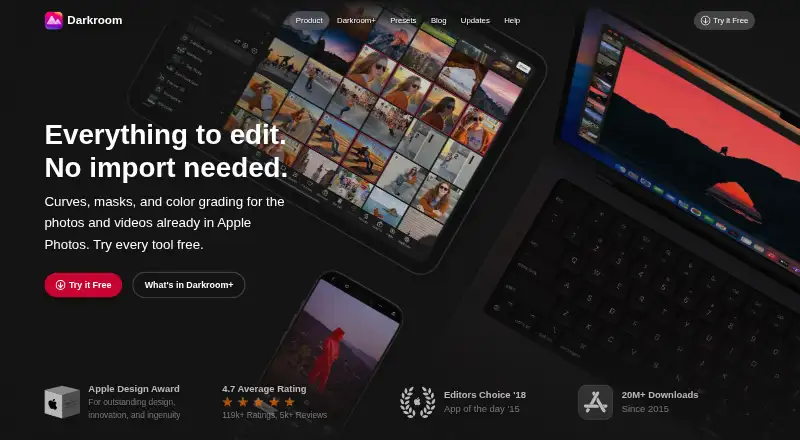
Darkroom is a photo-editing app for macOS and iOS with RAW photo support, masking, and batch editing. Its listed capabilities also include cloud sync and AI retouching. The free Starter plan lets users try premium tools, but exporting requires Darkroom+. The Yearly plan costs $39.99 per year and includes full access, Family Sharing, and a free trial. Monthly access costs $9.99 per month, includes full access, can be cancelled anytime, and has no trial. A separate Forever option is listed at $99.99 per month as a one-time purchase, with full access and future features included. The plan details also list a free trial, with the Yearly plan specifying one and the Monthly plan none. Darkroom was founded in 2015. Its listed platform coverage is macOS and iOS, so users should check that those systems fit their editing workflow. Starter offers a way to try the tools, but the export requirement matters if you need to save edited work.
Who it suits
Darkroom suits people editing photos on macOS or iOS who want RAW support, masking, batch editing, cloud sync, or AI retouching. It may also suit users who want to try premium tools before choosing a paid plan, provided they note the export restriction.
What it does well
- Supports RAW photos, masking, and batch editing.
- Lists cloud sync and AI retouching.
- Yearly plan includes Family Sharing.
- Monthly plan offers full access and cancellation anytime.
What to know first
- Available on macOS and iOS only.
- Starter exports require Darkroom+.
- Monthly plan has no trial.
Limits
Starter lets users try premium tools but requires Darkroom+ for exporting. The Monthly plan has no trial; the Yearly plan includes a free trial.
Plans
| Plan | Billed and limits | Price |
|---|---|---|
| Starter | Try every premium tool for as long as you like · Export requires Darkroom+ | On request |
| Yearly | Billed yearly · Full access · Family Sharing · Free trial stated on page | $39.99 a year |
| Monthly | Billed monthly; no trial · Full access · Cancel anytime | $9.99 a month |
| Forever | One-time purchase · One payment for full access · Future features included | $99.99 a month |
As darkroom.co lists them, read 20 Sept 2026. The maker's own page has the final word.
Getting started
- Open the Darkroom website.
- Use a macOS or iOS device.
- Start with Starter to try the premium tools.
- Choose Yearly, Monthly, or Forever for the listed paid access options.
- Use Darkroom+ when you need to export from Starter.
Verdict
Darkroom offers a broad set of listed editing tools across macOS and iOS, with free tool access and multiple paid options. Check the Starter export restriction and the Forever plan's listed billing details before choosing.
Questions
Does Darkroom have a free plan?
Yes. Starter lets users try every premium tool for as long as they like, but exporting requires Darkroom+.
How much does Darkroom cost?
Yearly is $39.99 per year, and Monthly is $9.99 per month. Forever is listed at $99.99 per month as a one-time purchase; Starter has no price listed.
Which platforms does Darkroom support?
Darkroom is listed for macOS and iOS.
Does Darkroom offer a free trial?
Yes. The Yearly plan includes a free trial. The Monthly plan has no trial.
What features does Darkroom include?
Its listed capabilities include RAW photo support, masking tools, batch editing, cloud sync, and AI retouching.
Who makes Darkroom?
The maker is Darkroom, founded in 2015.
Facts from Darkroom's own pages
- AI retouching
- Yes · darkroom.co, 20 Sept 2026
- Batch editing
- Yes · darkroom.co, 20 Sept 2026
- Cloud sync
- Yes · darkroom.co, 20 Sept 2026
- Founded
- 2015 · darkroom.co, 28 Sept 2026
- Free plan
- Yes · darkroom.co, 20 Sept 2026
- Masking tools
- Yes · darkroom.co, 20 Sept 2026
- Platform
- multi-platform · darkroom.co, 20 Sept 2026
- RAW photo support
- Yes · darkroom.co, 20 Sept 2026
Where Darkroom stands on Freedom251
- Photo Editing Software#31 of 160
- RAW Photo Processing Software#5 of 24