Freedom251 › Remote desktop software

CrossDesk
What CrossDesk is
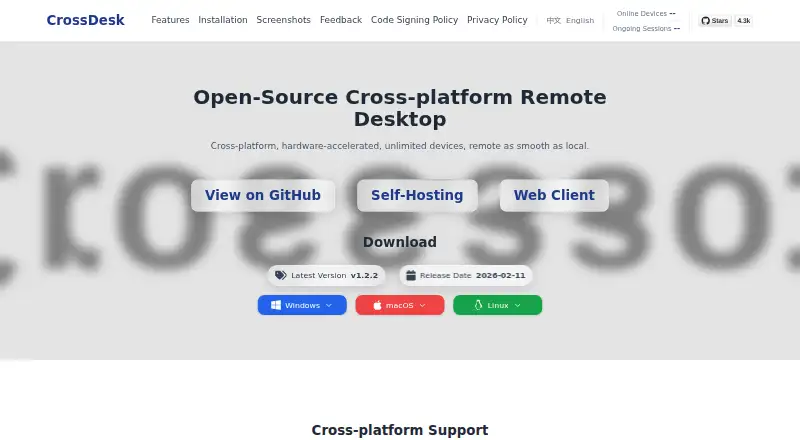
CrossDesk is free, open-source remote desktop software for Windows, macOS, Linux, web, iOS/iPadOS, Android, and self-hosted use. A connection starts with a remote desktop ID and, when needed, a password. The Web client provides browser access, while file transfer and mobile apps are supported. CrossDesk says multiple remote devices can be connected and managed simultaneously, with unlimited devices advertised. Listed acceleration uses NVIDIA Video Codec or Video Toolbox with H.264 and AV1 encoding. Linux downloads include x64 and arm64 standard and virtual-desktop versions, with Xfce used for the virtual desktop. Windows Service enables control at lock, login, and secure screens, but those functions are limited without the service. Users may run their own signaling and relay servers, with Docker recommended. Without self-hosting, CrossDesk services handle registration, signaling, NAT traversal, and relay. iOS installation requires signing an unsigned ZIP.
Who it suits
It suits users needing open-source remote access across desktop, mobile, browser, or self-hosted environments. Administrators wanting their own signaling and relay infrastructure can deploy CrossDesk Server.
What it does well
- Open-source and cross-platform
- Browser-based Web client
- File transfer support
- Multiple or unlimited devices advertised
- Self-hosted signaling and relay options
What to know first
- iOS release requires signing
- Self-hosted certificate needs replacement
- Windows secure-screen control depends on service
- Default use relies on CrossDesk services
Verdict
CrossDesk provides broad remote-access coverage, browser connectivity, file transfer, and self-hosting options. Installation details for iOS and server certificate handling add practical work for some deployments.
Facts from CrossDesk's own pages
- Code signing
- Official Windows releases are digitally signed; CrossDesk says free code signing is provided by SignPath.io with a certificate from SignPath Foundation. · crossdesk.cn, 12 Oct 2026
- Default services
- Without self-hosting, the client uses CrossDesk services for device registration, signaling, NAT traversal, and relay when a direct connection cannot be established. · crossdesk.cn, 12 Oct 2026
- Device capacity
- The site says CrossDesk supports unlimited devices and can connect to and manage multiple remote devices simultaneously. · crossdesk.cn, 12 Oct 2026
- File transfer
- Yes · crossdesk.cn, 20 Sept 2026
- Hardware acceleration
- The official site lists NVIDIA Video Codec and Video Toolbox acceleration, with H.264 and AV1 encoding. · crossdesk.cn, 12 Oct 2026
- iOS installation
- The iOS release is an unsigned ZIP that users must sign before installing on an iPhone or iPad. · crossdesk.cn, 12 Oct 2026
- Linux versions
- Linux downloads include x64 and arm64 standard and virtual desktop versions; the virtual desktop uses Xfce. · crossdesk.cn, 12 Oct 2026
- Mobile apps
- Yes · crossdesk.cn, 20 Sept 2026
- Multiple devices
- The official site says users can connect to and manage multiple remote devices simultaneously, with unlimited devices advertised on the homepage. · crossdesk.cn, 12 Oct 2026
- Network services
- Without self-hosting, the client uses CrossDesk services for device registration, signaling, NAT traversal, and relay when a direct connection cannot be established. · crossdesk.cn, 12 Oct 2026
- Platforms
- The site lists Windows, macOS, Linux, iOS, and Android downloads, as well as a web client. · crossdesk.cn, 12 Oct 2026
- Privacy
- The desktop client does not contain advertising functionality and does not intentionally upload diagnostic logs, crash reports, or behavioral analytics. · crossdesk.cn, 12 Oct 2026
- Product
- CrossDesk describes itself as open-source, cross-platform remote desktop software with Web client access. · crossdesk.cn, 12 Oct 2026
- Project details
- The project README calls CrossDesk a lightweight remote desktop application and describes it as an experimental application of the MiniRTC library. · github.com, 12 Oct 2026
- Remote access
- Users can connect by entering a remote desktop ID and, if required, a connection password. · github.com, 12 Oct 2026
- Self-hosted certificate limit
- The repository says the server's default self-signed certificate cannot guarantee security and recommends replacing it with a formal certificate. · github.com, 12 Oct 2026
- Self-hosting
- Users can configure their own signaling and relay servers; the repository recommends Docker for deploying CrossDesk Server. · github.com, 12 Oct 2026
- Session data
- During an authorized remote session, CrossDesk may transmit screen content, audio, keyboard and mouse input, clipboard text, and user-selected files. · crossdesk.cn, 12 Oct 2026
- Support
- The site invites users to contact [email protected] for collaboration, technical consultation, or feedback. · crossdesk.cn, 12 Oct 2026
- Supported platforms
- Windows,macOS,Linux,Web,iOS/iPadOS · crossdesk.cn, 20 Sept 2026
- Web client
- CrossDesk supports browser access to remote devices through its Web client. · crossdesk.cn, 12 Oct 2026
- Windows service
- CrossDesk Service adds remote control support for Windows lock screens, login screens, and secure desktops; those capabilities are limited if the service is unavailable. · github.com, 12 Oct 2026
- Windows signing
- Official Windows releases are digitally signed using SignPath.io, with a certificate provided by SignPath Foundation. · crossdesk.cn, 12 Oct 2026
Where CrossDesk stands on Freedom251
- Remote desktop software#127 of 135