Freedom251 › File Comparison Software
Compare It!
What Compare It! is
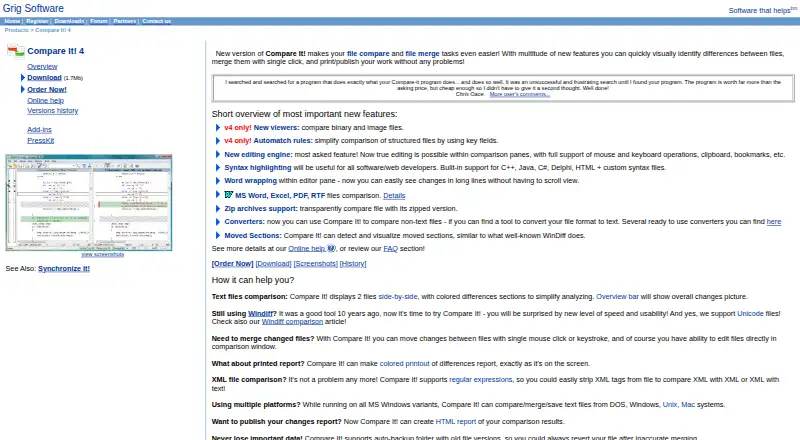
Compare It! is a Windows application for visually comparing and merging files. It places two text files side by side, highlights differences with colors and an overview bar, and lets users move changes between files by click or keystroke. Files can also be edited in the comparison window. Listed formats include MS Word, Excel, PDF, and RTF. Version 4 adds binary and image viewers, while syntax highlighting covers C++, Java, C#, Delphi, and HTML, with custom syntax files supported. The tool can compare a file with its zipped version and use converters to treat other formats as text. It creates HTML comparison reports and prints colored reports matching the display. An auto-backup folder keeps earlier versions for recovery after an inaccurate merge. A downloadable shell extension adds shell integration, and version-control support is listed. The Personal license costs $29, paid once. A full-featured trial is available free for up to 30 days before registration is required.
Who it suits
It suits Windows users who need visual file comparison, editing, merging, reports, or syntax-aware text review. Developers can use its listed language highlighting and version-control support.
What it does well
- Side-by-side differences use colors and an overview bar
- Moves changes between files by click or keystroke
- Supports MS Word, Excel, PDF, and RTF
- Creates HTML and printable comparison reports
- Thirty-day full-featured trial
What to know first
- Windows only
- No free plan
- Cannot compare folders itself
- Registration is required after 30 days
Plans
| Plan | Billed and limits | Price |
|---|---|---|
| Compare It! Personal license | 1 year of free minor and major updates · free email technical support | $29, paid once |
As grigsoft.com lists them, read 7 Oct 2026. The maker's own page has the final word.
Verdict
Compare It! focuses on detailed file comparison and controlled merging, with viewers, reports, backups, and developer-oriented syntax support. Folder comparison requires the maker’s separate Synchronize It! product.
Facts from Compare It!'s own pages
- Archives and converters
- It can compare a file with its zipped version and use converters to compare other file formats as text. · grigsoft.com, 7 Oct 2026
- Backup
- An auto-backup folder stores old file versions so users can revert after an inaccurate merge. · grigsoft.com, 7 Oct 2026
- Developer features
- Syntax highlighting includes built-in support for C++, Java, C#, Delphi, and HTML, with custom syntax files also supported. · grigsoft.com, 7 Oct 2026
- File formats
- The product page lists comparison support for MS Word, Excel, PDF, and RTF files. · grigsoft.com, 7 Oct 2026
- Folder comparison limit
- Compare It! cannot compare folders itself; the maker directs users to its separate Synchronize It! product for folder synchronization. · grigsoft.com, 7 Oct 2026
- Merge and edit
- Users can move changes between files with a click or keystroke and edit files in the comparison window. · grigsoft.com, 7 Oct 2026
- Other viewers
- Version 4 adds viewers for binary and image files. · grigsoft.com, 7 Oct 2026
- Platforms
- The maker says Compare It! runs on MS Windows variants and lists Windows 95/98/ME/NT/2000/XP/Win10/Win11 as tested systems. · grigsoft.com, 7 Oct 2026
- Purpose
- Compare It! is a visual file comparison and merging tool. · grigsoft.com, 7 Oct 2026
- Reports
- It can create HTML comparison reports and print colored reports matching the on-screen display. · grigsoft.com, 7 Oct 2026
- Shell integration
- A downloadable CompareIt! shell extension provides shell integration support. · grigsoft.com, 7 Oct 2026
- Side by side comparison
- It displays two text files side by side and highlights differences with colors and an overview bar. · grigsoft.com, 7 Oct 2026
- Support and updates
- The registration page includes free email technical support and one year of free minor and major updates. · grigsoft.com, 7 Oct 2026
- Trial
- The shareware version is full-featured and can be evaluated free for up to 30 days before registration is required to keep using it. · grigsoft.com, 7 Oct 2026
Where Compare It! stands on Freedom251
- File Comparison Software#22 of 33