Freedom251 › Help Authoring Tools

Adobe FrameMaker
What Adobe FrameMaker is
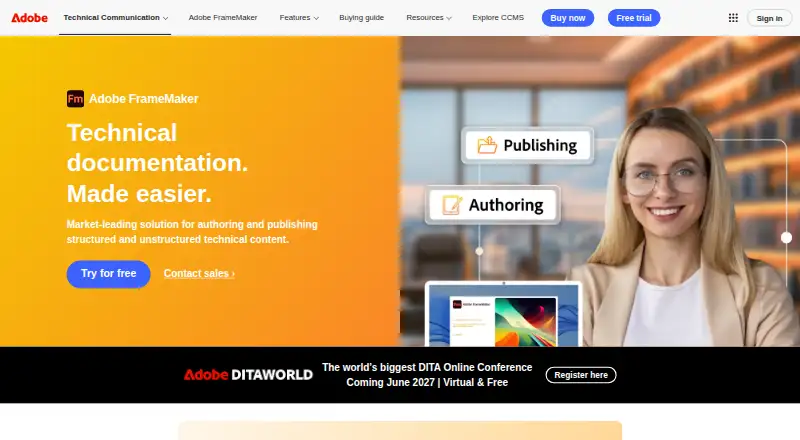
Adobe FrameMaker is desktop authoring software for technical and structured content on Windows. It supports single-sourcing, version control, translation, and review workflows, allowing teams to manage content through several production stages. Publishing outputs include PDF, Responsive HTML5, EPUB, Kindle, Microsoft HTML Help (CHM), Basic HTML, and mobile apps. The Individual Subscription provides access to the current release with an annual commitment. Team Subscription is described for teams and small and medium-sized businesses and includes volume licensing and license management. Enterprise License uses an Enterprise Term License Agreement, centralized deployment, and an optional three-year term. An Education Plan offers discounted education pricing for students, instructors, and institutions. FrameMaker is paid software with no free plan, but a 30-day trial is listed. Prices are not provided for any subscription or license plan, so buyers must request or confirm pricing for their intended arrangement.
Who it suits
It suits Windows-based technical-content authors, teams, enterprises, and education users needing structured authoring and multiple publishing formats.
What it does well
- Supports single-sourcing and version control
- Includes translation and review workflows
- Publishes to PDF, HTML5, EPUB, and Kindle
- Offers team and enterprise licensing
- 30-day trial available
What to know first
- Windows platform only
- No free plan
Limits
FrameMaker has no free plan.
Plans
| Plan | Billed and limits | Price |
|---|---|---|
| Individual Subscription | Current FrameMaker release · Subscription access · Annual commitment | On request |
| Team Subscription | Volume licensing · License management · For teams and SMBs | On request |
| Enterprise License | Enterprise Term License Agreement · Centralized deployment · Three-year term option | On request |
| Education Plan | Discounted education pricing · For students, instructors, and institutions | On request |
As adobe.com lists them, read 21 Sept 2026. The maker's own page has the final word.
Getting started
- Open the Adobe FrameMaker website
- Start the 30-day trial
- Choose Individual, Team, Enterprise, or Education plan
- Install the Windows desktop application
- Create structured content using single-sourcing and review workflows
- Publish to the required output format
Verdict
FrameMaker combines structured desktop authoring with broad publishing outputs and several licensing arrangements. Its lack of listed prices means prospective users must clarify costs before choosing an individual, team, enterprise, or education plan.
Questions
Which operating system does FrameMaker support?
Windows is the listed platform.
Is there a free plan?
No. FrameMaker is paid software, with a 30-day trial.
What publishing formats are supported?
Outputs include PDF, Responsive HTML5, EPUB, Kindle, Microsoft HTML Help (CHM), Basic HTML, and mobile apps.
What plan types are available?
Plans include Individual Subscription, Team Subscription, Enterprise License, and Education Plan.
Does it support version control and translation?
Yes. The listed authoring capabilities include version control, translation support, single-sourcing, and review workflows.
What does the Enterprise License provide?
It uses an Enterprise Term License Agreement, includes centralized deployment, and offers a three-year term option.
Where Adobe FrameMaker stands on Freedom251
- Help Authoring Tools#25 of 28