Freedom251 › Vector Graphics Software
SVG.design
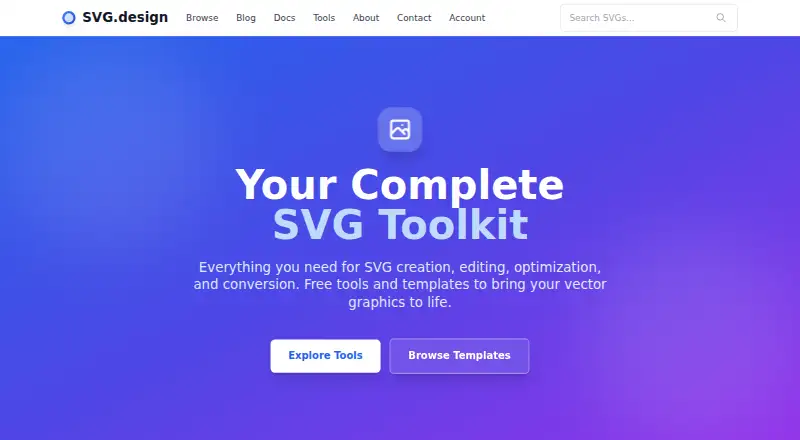
What SVG.design is
SVG.design is a browser-based workspace for creating, editing, optimizing and converting vector graphics. Its free editor imports SVG files or pasted SVG code, lets users add shapes and text, recolor and arrange elements, and export SVG, PNG or JPG. Additional tools include an SVG code viewer, shape and grid generators, optimization and animation tools, chart and QR-code makers, a vectorizer and converters. AI options such as vectorization and style previews use credits; purchased credits do not expire. The site also provides downloadable SVG templates with commercial licensing options. Editing and exporting run client-side, and the editor says files are not uploaded to a server. Paid one-time plans are Quick Start at $9, paid once, Creative Month at $19, paid once and Power Year at $49, paid once, with increasing access periods and AI credits. The Combine SVG tool accepts up to nine files.
Who it suits
It suits designers and developers who want browser vector tools, templates and exports without a desktop app. The free editor covers core SVG editing, while paid plans add timed access, credits and support options.
What it does well
- Free browser editor supports SVG, PNG and JPG export
- Includes animation, optimization, charts and QR tools
- Client-side editing keeps files off the server
- Purchased AI credits never expire
- Templates offer commercial licensing options
What to know first
- No desktop app
- Combine SVG accepts a maximum of nine files
- AI features consume credits
- Paid plans provide time-limited access
Plans
| Plan | Billed and limits | Price |
|---|---|---|
| Creative Month | one-time · 30-day access · 2,000 AI Credits · unlimited template downloads · access to all tools · unlimited 3D Fold Studio exports · priority support | $19, paid once |
| Power Year | one-time · 365-day access · 5,000 AI Credits · unlimited template downloads · access to all tools · unlimited 3D Fold Studio exports · priority support · early access to new features | $49, paid once |
| Quick Start | one-time · 24-hour access · 1,000 AI Credits · unlimited template downloads · access to all tools · unlimited 3D Fold Studio exports | $9, paid once |
As svg.design lists them, read 8 Oct 2026. The maker's own page has the final word.
Verdict
SVG.design offers a broad browser toolkit with a capable free editor and optional one-time plans. Client-side processing and non-expiring purchased credits are useful distinctions, while AI usage and the nine-file combine limit matter for larger workflows.
Facts from SVG.design's own pages
- AI features
- AI-powered features such as vectorization and style previews use credits, and purchased credits never expire. · svg.design, 8 Oct 2026
- Audience
- The documentation describes its guides as written for designers and developers. · svg.design, 8 Oct 2026
- Data handling
- The SVG editor says editing and exporting run client-side and files are not uploaded to a server. · svg.design, 8 Oct 2026
- Editor
- The free editor can import SVG files or pasted SVG code, add shapes and text, recolor and arrange elements, and export SVG, PNG, or JPG. · svg.design, 8 Oct 2026
- Founder
- The about page identifies Marcel Ravier as SVG.design’s founder, a vector artist, and a 3D designer. · svg.design, 8 Oct 2026
- Integrations
- The terms name Google OAuth for authentication and account management and Stripe for payment processing. · svg.design, 8 Oct 2026
- Product
- SVG.design offers browser-based tools and templates for creating, editing, optimizing, and converting vector graphics. · svg.design, 8 Oct 2026
- Support
- The contact page says users will typically receive a response within 24 hours; the Creative Month and Power Year plans include priority support. · svg.design, 8 Oct 2026
- Templates
- The site offers professionally crafted SVG templates with commercial licensing options and instant downloads. · svg.design, 8 Oct 2026
- Toolset
- Its tools include an SVG code viewer, shape and grid generators, an optimizer, animator, chart maker, vectorizer, QR code maker, and converters. · svg.design, 8 Oct 2026
- Usage limit
- The Combine SVG tool accepts a maximum of 9 files. · svg.design, 8 Oct 2026
Where SVG.design stands on Freedom251
- Vector Graphics Software#26 of 51