Freedom251 › Secure File Shredding Software
SecureRemove
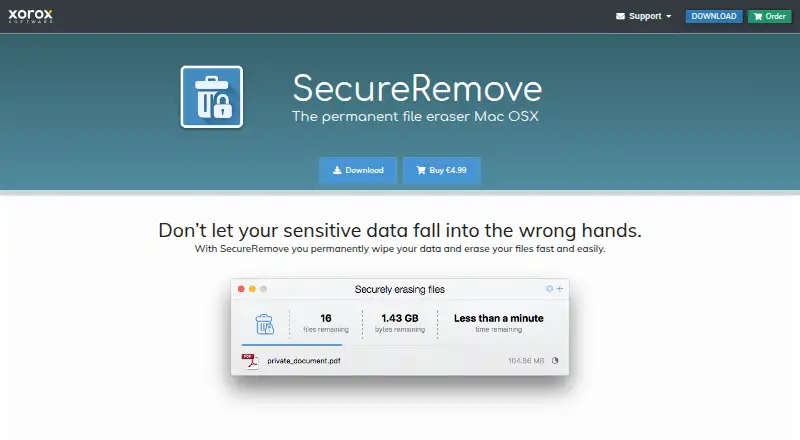
What SecureRemove is
SecureRemove is a macOS application for permanently wiping files and folders. It provides 10 overwrite algorithms, ranging from one pass to 35 passes, including DoD, BSI/VSITR, GOST, Pfitzner, and Gutmann methods. Files or folders can be selected in Finder and erased from the context menu, added through Finder Services, dragged into the app or its Dock icon, or opened inside the app. When possible, the app updates attributes on locked or read-only files so wiping can continue. SecureRemove supports macOS 10.10 Yosemite and later and is not available for Windows. The maker says it does not securely erase SSDs, recommending the manufacturer’s reset tool instead. The SecureRemove License costs €4.99, paid once, including VAT, never expires, supports three devices, and needs internet only for activation.
Who it suits
SecureRemove suits Mac users who need selectable overwrite methods for files and folders. It is intended for macOS systems rather than Windows or SSD secure-erasure tasks.
What it does well
- Ten overwrite algorithms
- Finder context-menu integration
- Handles locked files where possible
- One-time license never expires
- License covers three devices
What to know first
- MacOS only
- Does not securely erase SSDs
- No free plan
- Internet required once for activation
Plans
| Plan | Billed and limits | Price |
|---|---|---|
| SecureRemove License | incl. VAT · License key shareable among family members · install on 3 devices | €4.99, paid once |
As secureremove.com lists them, read 9 Oct 2026. The maker's own page has the final word.
Verdict
SecureRemove offers several overwrite choices and convenient Finder entry points for Mac file deletion. Its SSD limitation and macOS-only availability should be checked before purchase.
Facts from SecureRemove's own pages
- Adding files
- Files can be added from Finder Services, dragged into the app or onto its Dock icon, or added within the app. · secureremove.com, 9 Oct 2026
- Compatibility
- SecureRemove is compatible with macOS 10.10 Yosemite and later. · secureremove.com, 9 Oct 2026
- Finder integration
- Users can select files or folders in Finder and securely erase them from the context menu. · secureremove.com, 9 Oct 2026
- Headquarters
- Rotterdam, Netherlands · secureremove.com, 28 Sept 2026
- License duration
- The full program license never expires and requires an internet connection only once to activate. · secureremove.com, 9 Oct 2026
- Locked files
- The app automatically updates attributes of locked or read-only files where possible to avoid interrupting a wipe. · secureremove.com, 9 Oct 2026
- Maker location
- The maker identifies Xoroxsoft as a software development company based in Rotterdam, Netherlands. · secureremove.com, 9 Oct 2026
- Payment data
- The maker says it does not store credit card or bank account information and uses PayPal and Stripe to authorize payments. · secureremove.com, 9 Oct 2026
- Privacy
- The privacy policy says the maker does not collect personal data while visitors browse its websites. · secureremove.com, 9 Oct 2026
- Purpose
- SecureRemove permanently wipes files and data on Mac OS X. · secureremove.com, 9 Oct 2026
- SSD limitation
- The maker says SecureRemove does not securely erase SSDs and recommends resetting an SSD with its manufacturer's tool. · secureremove.com, 9 Oct 2026
- Support
- The maker says it will answer contact form messages within 24 hours. · xoroxsoft.com, 9 Oct 2026
- Windows availability
- SecureRemove is available only for macOS and is not available for Windows. · secureremove.com, 9 Oct 2026
- Wiping algorithms
- It supports 10 wiping algorithms, from single pass to 35 pass, including DoD, BSI/VSITR, GOST, Pfitzner and Gutmann methods. · secureremove.com, 9 Oct 2026
Where SecureRemove stands on Freedom251
- Secure File Shredding Software#24 of 26
- File Shredder Software#26 of 27