Freedom251 › Data Modeling Software

Oracle SQL Developer
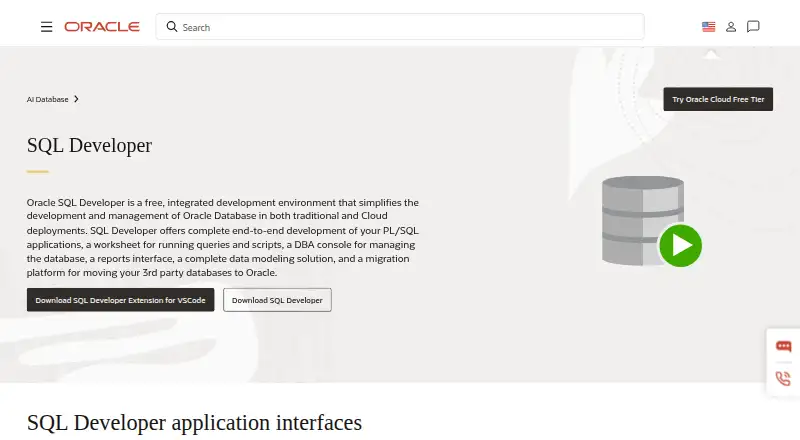
What Oracle SQL Developer is
Oracle SQL Developer is a free desktop database application for Linux, macOS, and Windows. It supports Oracle Database, MySQL, Microsoft SQL Server, Microsoft Access, and selected third-party databases. Users can edit data, build queries visually, and review query history within the application. SSH tunneling is supported for database connections. Query results can be exported as XML, CSV, SQL Insert, or SQL*Loader formats, giving users several ways to move output into other workflows. The software is deployed on the desktop rather than as a web service. Oracle, its maker, was founded in 1977 and is headquartered in Austin, Texas, USA. A free plan is listed, and no paid tier or trial is specified. The combination of broad database support, visual query building, editing, history, tunneling, and export makes it a practical option for desktop database work where the supported systems match your environment.
Who it suits
It suits database users on Linux, macOS, or Windows who need editing, visual query building, query history, SSH tunneling, or result export. It is particularly relevant when working with one of the listed database systems.
What it does well
- Free desktop application
- Runs on Linux, macOS, and Windows
- Supports several database systems
- Includes visual query building and editing
- Exports XML, CSV, SQL Insert, and SQL*Loader
What to know first
- Selected third-party database support is unspecified
- Desktop deployment may not suit web-only workflows
- No mobile platform is listed
Limits
The free plan is available, but the application is desktop-deployed and its database support is limited to the listed systems.
Plans
| Plan | Billed and limits | Price |
|---|---|---|
| Oracle SQL Developer Data Modeler | — | Free |
As oracle.com lists them, read 23 Oct 2026. The maker's own page has the final word.
Getting started
- Open the Oracle SQL Developer website
- Download the desktop application for Linux, macOS, or Windows
- Install it on the supported desktop platform
- Use the free plan
- Connect to a supported database system
- Use SSH tunneling when required
Verdict
Oracle SQL Developer offers a free desktop toolkit with multiple database connections and practical query, editing, history, tunneling, and export features. Check that your specific database is among the supported systems.
Questions
Is Oracle SQL Developer free?
Yes. It is offered under a free plan.
Which operating systems does it support?
It runs on Linux, macOS, and Windows.
Which databases can it support?
Supported systems include Oracle Database, MySQL, Microsoft SQL Server, Microsoft Access, and selected third-party databases.
Can it edit data and build queries visually?
Yes. It provides data editing and a visual query builder.
Can query results be exported?
Yes. Export formats are XML, CSV, SQL Insert, and SQL*Loader.
Does it support SSH tunneling and query history?
Yes. Both SSH tunneling and query history are supported.
Facts from Oracle SQL Developer's own pages
- Founded
- 1977 · oracle.com, 23 Sept 2026
- Headquarters
- Austin, Texas, USA · oracle.com, 23 Sept 2026
Where Oracle SQL Developer stands on Freedom251
- Data Modeling Software#14 of 27
- Database Design Tools#21 of 35
- SQL Query Tools#23 of 31
- Database Client Software#42 of 53