Freedom251 › Window Management Software

Openbox
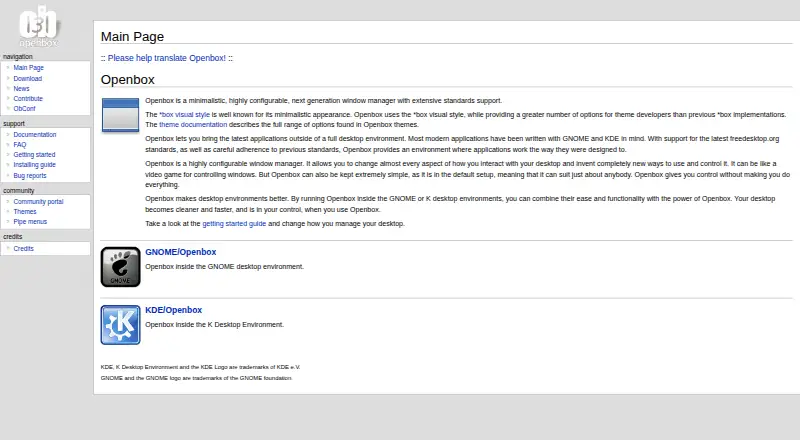
What Openbox is
Openbox is a free, open-source window manager for Linux. It can run applications without a full desktop environment or operate within GNOME and KDE. Its default setup is simple, while configuration can change nearly every part of desktop interaction. Per-application rules control borders, geometry, workspace presence, and window layering. Keyboard and mouse bindings assign actions to keys and buttons. Users can create custom menus, pipe menus, and script-generated application lists from directories such as /usr/share/applications. Openbox provides dynamic desktops, focus cycling, synchronized window resizing, and animated minimizing and restoring. Themes use the *box visual style, and ObConf offers graphical configuration plus .obt theme archive tools. It follows ICCCM and freedesktop.org EWMH goals, supports transparent windows with required compositing components, and has translations in over 20 languages.
Who it suits
Openbox suits Linux users wanting either a simple window-manager setup or extensive desktop customization. It also fits users running applications alongside GNOME or KDE.
What it does well
- Free open-source Linux software
- Runs with or without full desktop environments
- Per-application rules and desktop controls
- Custom menus and keyboard bindings
- Translations cover over 20 languages
What to know first
- Linux platform only
- Transparent windows require Composite and a manager
- Debian menu integration is provided by Debian
Verdict
Openbox combines a simple starting configuration with detailed control over windows, menus, bindings, and desktops. Linux users can choose standalone use or integration with GNOME and KDE, while the project provides documentation and source access.
Facts from Openbox's own pages
- Community documentation
- The documentation site invites community members to improve articles by submitting pull requests to its GitHub repository. · openbox.org, 9 Oct 2026
- Compatibility
- The project says Openbox works with applications following supported standards and can run under GNOME and KDE. · openbox.org, 9 Oct 2026
- Configuration
- Users can customize per-application properties such as borders, geometry, workspace presence, and window layering. · openbox.org, 9 Oct 2026
- Configuration tool
- ObConf provides a graphical interface for configuration and can install and create .obt theme archives. · openbox.org, 9 Oct 2026
- Customization
- Users can customize most aspects of desktop interaction, including mouse behavior, key bindings, themes, and per-window settings. · openbox.org, 9 Oct 2026
- Desktop integration
- Openbox can run applications outside a full desktop environment or inside GNOME and KDE. · openbox.org, 9 Oct 2026
- Download
- The download page lists Openbox 3.6.1 source archives and links to its current Git repository. · openbox.org, 9 Oct 2026
- Installation
- The installation guide describes building Openbox from source and lists development dependencies including Xlib, Glib, LibXML, and Pango. · openbox.org, 9 Oct 2026
- Intended use
- The project describes Openbox as suitable both for people who want a simple default setup and for users who want extensive desktop customization. · openbox.org, 9 Oct 2026
- Key and mouse bindings
- Users can bind actions to keyboard keys and mouse buttons. · openbox.org, 9 Oct 2026
- Languages
- The feature list states that Openbox has translations to over 20 languages. · openbox.org, 9 Oct 2026
- Licensing
- Openbox is open source software distributed under the GNU General Public License. · openbox.org, 9 Oct 2026
- Limit
- Openbox.org source and Debian packages do not include the Debian menu in the root menu; the FAQ says Debian provides that integration. · openbox.org, 9 Oct 2026
- Menus
- Openbox supports custom menus, pipe menus, and scripts that generate application menus from directories such as /usr/share/applications. · openbox.org, 9 Oct 2026
- Product
- Openbox is a minimalistic, highly configurable window manager with extensive standards support. · openbox.org, 9 Oct 2026
- Purpose
- It lets users run modern applications outside a full desktop environment and can also run inside GNOME or KDE. · openbox.org, 9 Oct 2026
- Release and source
- The download page lists Openbox 3.6.1 and provides source archives, signatures, build instructions, and access to the Git repository. · openbox.org, 9 Oct 2026
- Standards
- Openbox aims to follow ICCCM and the freedesktop.org EWMH window-manager specification. · openbox.org, 9 Oct 2026
- Support
- The site provides documentation, FAQs, bug-report links, and community resources; bug reports should explain how to reproduce the problem. · openbox.org, 9 Oct 2026
- Themes
- Openbox uses the *box visual style and provides theme options for developers. · openbox.org, 9 Oct 2026
- Transparency
- Openbox supports true 32-bit transparent windows; the FAQ says this requires the X server Composite extension and a composite manager. · openbox.org, 9 Oct 2026
- Window management
- Features include dynamic desktops, focus cycling across desktops, synchronized window resizing, and animated minimize and restore. · openbox.org, 9 Oct 2026
Where Openbox stands on Freedom251
- Window Management Software#33 of 65