Freedom251 › Parental control apps
Nintendo Switch Parental Controls
Visit Nintendo Switch Parental Controls Alternatives Pricing
What Nintendo Switch Parental Controls is
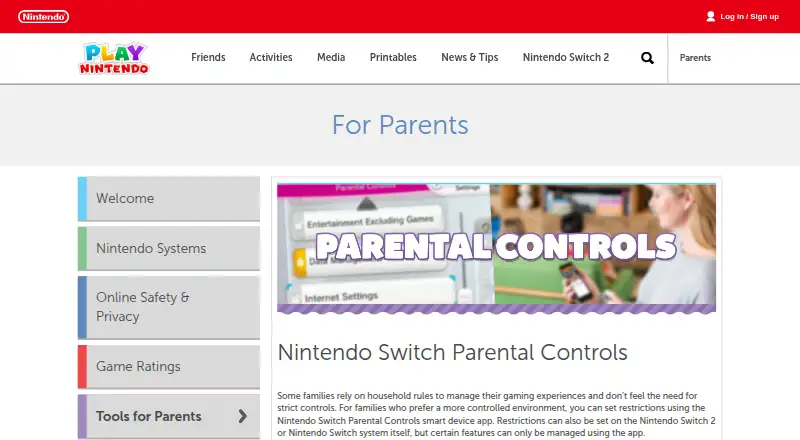
Nintendo Switch Parental Controls is a free Android and iOS app that links with Nintendo Switch 2 and Nintendo Switch systems. Parents can review how children play, set daily play-time limits and decide how late a console may be used. On Nintendo Switch 2, the app manages GameChat restrictions, approved friends and video-chat options, and lets parents review chat history. Up to two parents or guardians can share monitoring and restriction management. One smart device can link with up to eight consoles. Some settings are available on the console, while certain functions require the app. Use requires an internet connection and a Nintendo Account held by a parent or guardian aged 18 or older; data charges may apply. The app is free, with no free trial. It does not provide content filtering, app blocking or location tracking.
Who it suits
It suits families wanting a more controlled gaming environment for children using Nintendo Switch systems. Parents or guardians must be at least 18 and have a Nintendo Account.
What it does well
- Daily play-time and bedtime limits
- GameChat controls on Nintendo Switch 2
- Shared management for two guardians
- One device links up to eight consoles
- Free Android and iOS app
What to know first
- No content filtering
- No app blocking
- No location tracking
- Internet connection and Nintendo Account required
Plans
| Plan | Billed and limits | Price |
|---|---|---|
| Nintendo Switch Parental Controls | Free · Free mobile app · Nintendo Switch 2 and Nintendo Switch | Free |
As play.nintendo.com lists them, read 11 Oct 2026. The maker's own page has the final word.
Verdict
Nintendo Switch Parental Controls focuses on time limits, activity monitoring and Switch 2 GameChat settings. Families needing content or app blocking will not find those controls here.
Facts from Nintendo Switch Parental Controls's own pages
- Activity reports
- The app lets parents see which games have been played and for how long. · en-americas-support.nintendo.com, 11 Oct 2026
- Age requirement
- A parent or guardian aged 18 or older needs a Nintendo Account to use the app. · nintendo.com, 11 Oct 2026
- App blocking
- No · play.nintendo.com, 22 Sept 2026
- Console limit
- One smart device can link to up to eight Nintendo Switch 2 and Nintendo Switch consoles. · en-americas-support.nintendo.com, 11 Oct 2026
- Content filtering
- No · play.nintendo.com, 22 Sept 2026
- Device support
- The app is compatible with iOS and Android devices. · en-americas-support.nintendo.com, 11 Oct 2026
- Free plan
- Yes · play.nintendo.com, 22 Sept 2026
- GameChat
- On Nintendo Switch 2, parents can manage GameChat restrictions, approved friends, video chat options, and review chat history. · en-americas-support.nintendo.com, 11 Oct 2026
- Headquarters
- Redmond, Washington, USA · nintendo.com, 28 Oct 2026
- Location tracking
- No · play.nintendo.com, 22 Sept 2026
- On-console settings
- Some parental control settings can be managed on the console, while certain features require the app. · play.nintendo.com, 11 Oct 2026
- Play time
- Parents can set daily play-time limits and limits on how late a system can be used. · nintendo.com, 11 Oct 2026
- Purpose
- The app links to Nintendo Switch 2 and Nintendo Switch systems so parents can monitor what and how their children play. · play.nintendo.com, 11 Oct 2026
- Requirements
- Using the app requires a Nintendo Account and an internet connection; data charges may apply. · play.nintendo.com, 11 Oct 2026
- Screen-time schedules
- Yes · play.nintendo.com, 22 Sept 2026
- Shared controls
- Up to two parents or guardians can use the app to manage restrictions and monitor a child's play activity. · play.nintendo.com, 11 Oct 2026
- Who it is for
- Nintendo describes the app as a tool for families who want a more controlled gaming environment for children. · play.nintendo.com, 11 Oct 2026
Where Nintendo Switch Parental Controls stands on Freedom251
- Parental control apps#41 of 107