Freedom251 › Container Registries

Harbor
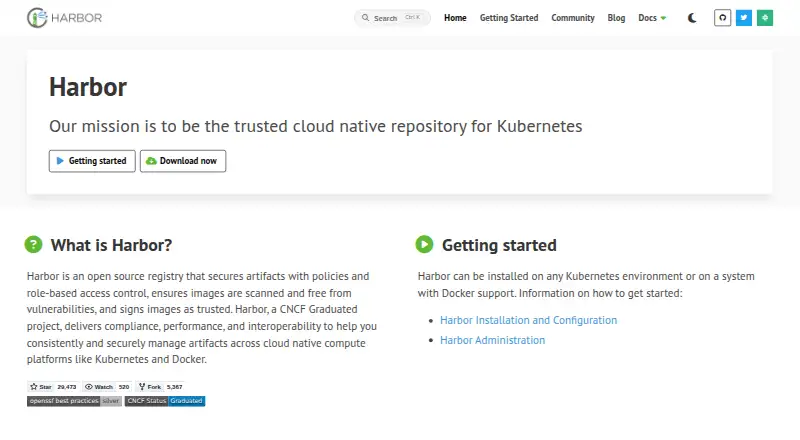
What Harbor is
Harbor is a free, open-source registry for managing artifacts across cloud-native platforms such as Kubernetes and Docker. It provides a web interface and extensible API, and can be installed on Kubernetes or a system with Docker support. Security features include policies, role-based access control, vulnerability scanning, and image signing and validation. Scanning uses Trivy when enabled during installation, and Harbor can connect to additional scanners. It replicates images and charts between Harbor and other registries in pull or push mode; listed integrations include Docker Hub, Amazon ECR, Google Container Registry, Azure Container Registry, and GitLab Registry. Authentication options include a database, LDAP/Active Directory, and OIDC. Selecting database authentication and adding local users prevents switching to another mode. Project storage quotas are unlimited by default but can be set globally or for individual projects. Harbor is a Cloud Native Computing Foundation Graduated project. HTTPS is recommended for production; HTTP outside air-gapped test or development settings exposes connections to man-in-the-middle attacks. Robot account secrets must be saved when created, and robot accounts cannot log into the user interface.
Who it suits
Harbor suits teams managing container images and other artifacts across cloud-native environments who need registry controls, scanning, or replication.
What it does well
- Free and open source.
- Deploys on Kubernetes or systems with Docker support.
- Supports image signing, validation, and vulnerability scanning.
- Replicates images and charts in pull or push mode.
What to know first
- Trivy scanning must be enabled during installation.
- Database authentication with local users prevents switching modes.
- Robot account secrets must be saved when created.
- Robot accounts cannot log into the user interface.
Limits
Project storage quotas are unlimited by default, but can be set globally or per project. Robot account secrets must be saved when created, and robot accounts cannot access the user interface.
Plans
| Plan | Billed and limits | Price |
|---|---|---|
| Harbor | Open source registry; project storage quotas are unlimited by default | Free |
As goharbor.io lists them, read 11 Oct 2026. The maker's own page has the final word.
Getting started
- Visit the Harbor website.
- Install Harbor on Kubernetes or on a system with Docker support.
- Enable Trivy during installation if you want image vulnerability scanning.
- Choose an authentication mode: database, LDAP/Active Directory or OIDC.
- Use HTTPS for production deployments.
Verdict
Harbor combines artifact storage with access controls, scanning, and registry replication. Production deployments should use HTTPS, and authentication choices and robot account limits warrant attention.
Questions
Does Harbor cost anything?
The Harbor plan costs nothing, and the pricing note identifies it as open source.
Where can Harbor be installed?
It can be installed on Kubernetes or on a system with Docker support.
Which authentication methods does Harbor support?
Database, LDAP/Active Directory and OIDC are supported. Choosing database authentication and adding local users prevents switching to another mode.
Does Harbor scan images for vulnerabilities?
Yes. Trivy scanning is available when enabled during installation, and Harbor can connect to additional scanners.
Can Harbor replicate artifacts between registries?
It can replicate images and charts between Harbor and non-Harbor registries in pull or push mode.
What should I know about robot accounts?
Harbor does not store robot account secrets, so save each secret when creating it. Robot accounts cannot log into the user interface.
Facts from Harbor's own pages
- Authentication
- Harbor supports database, LDAP/Active Directory, and OIDC authentication; choosing database authentication and adding local users prevents switching to another mode. · goharbor.io, 11 Oct 2026
- Deployment
- Harbor can be installed on Kubernetes or on a system with Docker support. · goharbor.io, 11 Oct 2026
- HTTPS
- Harbor recommends HTTPS in production and warns that HTTP outside air-gapped test or development environments exposes connections to man-in-the-middle attacks. · goharbor.io, 11 Oct 2026
- Integrations
- The compatibility list includes registry adapters such as Docker Hub, Amazon ECR, Google Container Registry, Azure Container Registry, and GitLab Registry. · goharbor.io, 11 Oct 2026
- Project status
- Harbor is a Cloud Native Computing Foundation Graduated project. · goharbor.io, 11 Oct 2026
- Replication
- Harbor can replicate images and charts between Harbor and non-Harbor registries in pull or push mode. · goharbor.io, 11 Oct 2026
- Robot account limit
- Robot account secrets are not stored by Harbor, so they must be saved when created; robot accounts cannot log into the user interface. · goharbor.io, 11 Oct 2026
- Security features
- Harbor supports policies, role-based access control, vulnerability scanning, and image signing and validation. · goharbor.io, 11 Oct 2026
- Storage quotas
- Project storage quotas are unlimited by default and can be set globally or for individual projects. · goharbor.io, 11 Oct 2026
- Vulnerability scanning
- Harbor provides image vulnerability scanning through Trivy when enabled during installation, and can connect to additional scanners. · goharbor.io, 11 Oct 2026
- Web UI and API
- Harbor provides an extensible API and web UI. · goharbor.io, 11 Oct 2026
- What it does
- Harbor is an open source registry for securely managing artifacts across cloud native platforms such as Kubernetes and Docker. · goharbor.io, 11 Oct 2026
Where Harbor stands on Freedom251
- Container Registries#5 of 60
- Container Image Scanning Tools#5 of 29