Freedom251 › PDF Creation Software
CIB pdf brewer
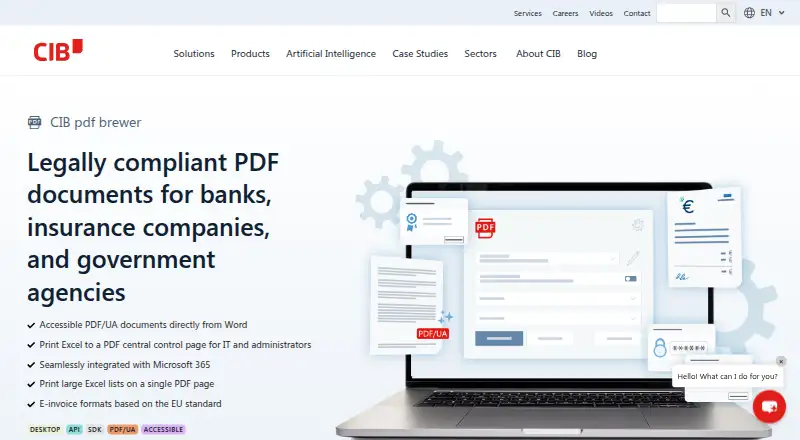
What CIB pdf brewer is
CIB pdf brewer is desktop software for working with PDF files on Windows. It accepts Microsoft Word, Excel, Outlook, and PDF files as input sources, and includes standard PDF features in its free version. The software also supports fillable form creation and API access.
Its plans separate standard PDF use from additional business and developer capabilities. The free version costs nothing and includes standard PDF features. PDF/UA, e-invoices, and forms are available in that version with a demo print watermark. The Business plan includes advanced form creation and editing, e-invoicing, API use, and settings for silent rollout and installation. The Developer Edition covers API-OEM use, printing on Terminal Server or Citrix, and printing on a print server.
CIB pdf brewer is offered as a desktop deployment for Windows. Its inputs span common Microsoft Office files and existing PDFs, while its plan options address form work, electronic invoicing, API use, and server-oriented printing. The free version provides a way to use standard PDF features, with a watermark applying to PDF/UA, e-invoices, and forms.
Who it suits
CIB pdf brewer suits Windows users who want desktop PDF features and work with Word, Excel, Outlook, or PDF files. Its Business and Developer Edition plans are aimed at users who need advanced form tools, e-invoicing, API use, or server printing.
What it does well
- Free version includes standard PDF features.
- Accepts Word, Excel, Outlook, and PDF files as inputs.
- Supports fillable form creation and API access.
- Business plan includes advanced forms and e-invoicing.
- Developer Edition includes Terminal Server, Citrix, and print server printing.
What to know first
- The free version adds a demo print watermark to PDF/UA, e-invoices, and forms.
- The listed platform is Windows.
Limits
The free version includes standard PDF features, while PDF/UA, e-invoices, and forms have a demo print watermark. Advanced form creation and editing, e-invoicing, and API use are included in Business; API-OEM use and server printing are included in Developer Edition.
Plans
| Plan | Billed and limits | Price |
|---|---|---|
| Free version | Standard PDF features · PDF/UA, e-invoices and forms have a demo print watermark | Free |
| Business | Advanced form creation and editing · E-invoicing · API use · Silent rollout and installation settings | On request |
| Developer Edition | API-OEM use · Print on Terminal Server/Citrix · Print on print server | On request |
As cib.de lists them, read 23 Sept 2026. The maker's own page has the final word.
Getting started
- Visit the CIB pdf brewer website.
- Use the Windows desktop deployment.
- Choose the free version for standard PDF features or a listed Business or Developer Edition plan.
- Provide Word, Excel, Outlook, or PDF files as input.
Verdict
Choose CIB pdf brewer for Windows desktop PDF work, especially if its standard PDF features or business and developer tools fit your workflow. The free version applies a demo print watermark to PDF/UA, e-invoices, and forms.
Questions
Is CIB pdf brewer free?
Yes. Its Free version costs nothing and includes standard PDF features.
Which platforms does it support?
The listed platform is Windows, with desktop deployment.
Which input files can it use?
It accepts Microsoft Word, Excel, Outlook, and PDF files.
Does it create fillable forms or provide API access?
Yes. Fillable form creation and API access are listed features.
What does the free version include?
It includes standard PDF features. PDF/UA, e-invoices, and forms have a demo print watermark.
What are the Business and Developer Edition plans for?
Business includes advanced form creation and editing, e-invoicing, API use, and silent rollout and installation settings. Developer Edition includes API-OEM use and printing on Terminal Server, Citrix, or a print server.
Where CIB pdf brewer stands on Freedom251
- PDF Creation Software#29 of 46