Freedom251 › Download Manager Software

Chrono Download Manager
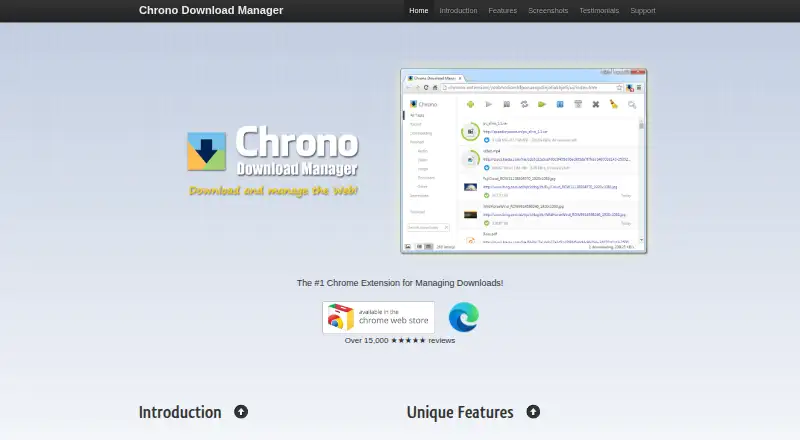
What Chrono Download Manager is
Chrono Download Manager is a free Chrome extension for capturing, queuing, and organizing browser downloads. Chrono Sniffer detects downloadable videos, images, audio, and other page content, then filters the results. The extension takes over Chrome downloads and provides one-click access to recent files from a pop-up list. Users can group downloads by type or date, apply customizable filters, create smart filenames with Naming Masks, and route files through Rule System naming rules. Batch Descriptors handle multiple files from patterned URLs. Context menus, toolbar buttons, keyboard shortcuts, and desktop or sound notifications connect it to Chrome. Chrono uses Chrome’s built-in Downloads API, so it does not provide multithreaded downloading and has limited pause and resume support for large downloads. Files can be saved only in Chrome’s default downloads folder or its subdirectories. The Chrome Web Store says it is not for downloading YouTube videos and may not work properly in incognito mode. Its privacy policy says no personally identifiable information is collected, while anonymous usage and technical data are retained for stated periods.
Who it suits
Chrono suits Chrome users who need browser-based download detection, batch handling, naming rules, and filtering. It is less suitable for YouTube downloading, incognito use, or advanced large-file transfer controls.
What it does well
- Detects videos, images, audio, and page downloads
- Batch downloads from patterned URLs
- Custom naming masks and folder-routing rules
- Chrome menus, toolbar, and keyboard controls
- Free Chrome extension
What to know first
- No multithreaded downloads
- Limited pause and resume for large downloads
- Files restricted to Chrome downloads folders
- Not for downloading YouTube videos
Verdict
Chrono adds detection, organization, batch processing, and naming tools to Chrome’s download workflow. Its browser and storage constraints are important for users handling large files, YouTube content, or incognito sessions.
Facts from Chrono Download Manager's own pages
- Analytics
- The privacy policy names Google Analytics as its analytics provider and says data is not shared with other third parties. · chronodownloader.net, 11 Oct 2026
- Batch downloads
- Batch Descriptors can download multiple files from patterned URLs. · chronodownloader.net, 11 Oct 2026
- Browser controls
- The extension integrates with Chrome through context menus, toolbar buttons, and keyboard shortcuts. · chromewebstore.google.com, 11 Oct 2026
- Compatibility caveat
- The Chrome Web Store listing says the extension may not work properly in incognito mode. · chromewebstore.google.com, 11 Oct 2026
- Data retention
- The policy lists retention of up to 60 days for usage data and up to 14 months for anonymized analytics and diagnostics data. · chronodownloader.net, 11 Oct 2026
- Download handling
- The extension takes over downloads in Google Chrome and provides one-click access to recent downloads from a pop-up list. · chronodownloader.net, 11 Oct 2026
- Download limitations
- Chrono uses Chrome’s built-in Downloads API, so it does not offer multithreaded downloads and has limited pause and resume support for large downloads. · chromewebstore.google.com, 11 Oct 2026
- Download organization
- It groups downloads with customizable filters and can apply naming masks and rules to rename files and route them to folders. · chronodownloader.net, 11 Oct 2026
- FAQ
- The FAQ page lists 43 FAQs, including topics such as bulk downloads, download location, local file access, and resuming downloads. · faq.chronodownloader.net, 11 Oct 2026
- File naming
- Naming Mask supports smart download naming, while the Rule System can apply naming rules and route files to folders. · chronodownloader.net, 11 Oct 2026
- Media detection
- Chrono Sniffer detects and filters downloadable videos, images, audio, and other content on webpages. · chronodownloader.net, 11 Oct 2026
- Notable limitation
- The maker says Chrono is a Chrome extension and points users seeking a Chrome extension for downloading YouTube videos to Tubly Downloader. · chronodownloader.net, 11 Oct 2026
- Notifications
- The extension offers desktop and sound notifications for downloads. · chronodownloader.net, 11 Oct 2026
- Organization
- Users can group downloads by type or date and apply customizable filters. · chronodownloader.net, 11 Oct 2026
- Privacy
- The privacy policy says the service does not collect personally identifiable information or track individual users, but does collect anonymous aggregated feature-use and technical data. · chronodownloader.net, 11 Oct 2026
- Product
- Chrono Download Manager captures, queues, and manages downloads within the browser. · chronodownloader.net, 11 Oct 2026
- Publisher information
- The Chrome Web Store identifies the publisher as the owner of the listed website and says the publisher has no history of violations. · chromewebstore.google.com, 11 Oct 2026
- Storage limitation
- Downloaded files can be saved only in Chrome’s default downloads folder or its subdirectories. · chromewebstore.google.com, 11 Oct 2026
- Support
- The maker directs users to its FAQ for usage questions and its issue tracking system for bug reports and feature requests. · chronodownloader.net, 11 Oct 2026
- YouTube limitation
- The Chrome Web Store listing states that the extension is not for downloading YouTube videos. · chromewebstore.google.com, 11 Oct 2026
Where Chrono Download Manager stands on Freedom251
- Download Manager Software#34 of 58