Freedom251 › Photo Resizing Software

Batch It
What Batch It is
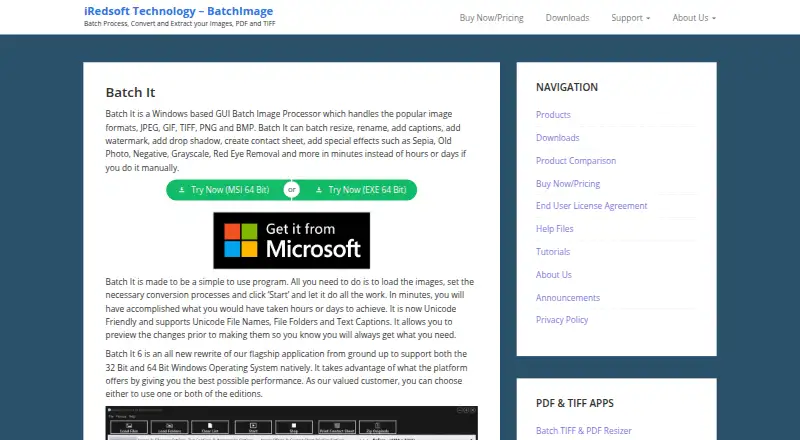
Batch It is a Windows graphical tool for processing image files in groups. It can resize images, rename files, add captions or copyright tags, apply watermarks, create contact sheets, and use effects such as grayscale, negative, old picture, and sepia. It accepts JPEG, GIF, TIFF, PNG, and BMP files, then saves results as JPEG, JPEG 2000, BMP, PNG, or TIFF. Resizing can preserve aspect ratio or fit a preset frame. Captions and watermarks have configurable placement and transparency, and Unicode support covers filenames, folders, and captions. Batch workflows can use drag and drop from Windows Explorer, reusable imaging profiles, batch red-eye removal, and contact-sheet printing. A 14-day Windows trial provides full access apart from nag screens. The standalone license is for one user and costs $16.95, paid once, before taxes and discounts.
Who it suits
Batch It suits Windows users who need repeatable processing for groups of images. It is also relevant when Unicode text, captions, watermarks, or multiple output formats are required.
What it does well
- Processes several image formats
- Supports batch resizing and renaming
- Offers captions and adjustable watermarks
- Includes reusable imaging profiles
- Supports Unicode filenames and captions
What to know first
- Windows desktop software only
- No free plan
- Single-user license
- Trial includes nag screens
Plans
| Plan | Billed and limits | Price |
|---|---|---|
| Batch It (32/64 Bit) | US$ 16.95 · single-user standalone license · prices before taxes and discounts | $16.95, paid once |
As batchimage.com lists them, read 8 Oct 2026. The maker's own page has the final word.
Verdict
Batch It focuses on practical batch image operations, format conversion, and repeatable profiles. Confirm that its Windows requirements and one-user license fit your workflow.
Facts from Batch It's own pages
- Batch workflow
- It supports batch file renaming, drag and drop from Windows Explorer, reusable imaging profiles, and contact sheet printing. · batchimage.com, 8 Oct 2026
- Captions and watermarks
- It supports Romanized or Unicode captions and copyright tags, with configurable placement and transparency, as well as positioned watermarks with adjustable transparency. · batchimage.com, 8 Oct 2026
- Formats
- It handles JPEG, GIF, TIFF, PNG and BMP images, and can save processed images as JPEG, JPEG 2000, BMP, PNG or TIFF. · batchimage.com, 8 Oct 2026
- Founded
- 1998 · batchimage.com, 28 Sept 2026
- License
- The maker describes the GUI standalone license as for one user, requiring one license per user. · batchimage.com, 8 Oct 2026
- Maker
- The about page identifies iRedsoft Technology Inc. and says Batch It originated after the makers encountered a need for a simple batch imaging tool; it does not state a headquarters or founding year. · batchimage.com, 8 Oct 2026
- Other editing
- Listed tools include grayscale, negative, old picture and sepia effects, tile image creation, and batch red-eye removal. · batchimage.com, 8 Oct 2026
- Privacy
- The maker's privacy policy says information entered in its applications stays local on the user's machine and that application usage is not tracked. · batchimage.com, 8 Oct 2026
- Purpose
- Batch It is a Windows GUI tool for batch processing images, including resizing, renaming, captions, watermarks, contact sheets and effects. · batchimage.com, 8 Oct 2026
- Resize
- It can resize images with or without preserving their aspect ratio and resize them to fit a preset frame. · batchimage.com, 8 Oct 2026
- Support
- For trial issues or an extension, the maker says to contact support by email and says it will respond within 24 hours. · batchimage.com, 8 Oct 2026
- System requirements
- The listed minimum requirements are a Pentium 4, 1 GB RAM and 20 MB disk space; the page lists 64-bit Windows 10 and Windows 11. · batchimage.com, 8 Oct 2026
- Trial
- The maker offers a 14-day Windows trial with full access apart from nag screens. · batchimage.com, 8 Oct 2026
- Unicode
- The product supports Unicode file names, folders and text captions, including non-Romanized characters. · batchimage.com, 8 Oct 2026
Where Batch It stands on Freedom251
- Photo Resizing Software#18 of 28