Freedom251 › Accessibility Testing Software
Android WCAG Auditor
What Android WCAG Auditor is
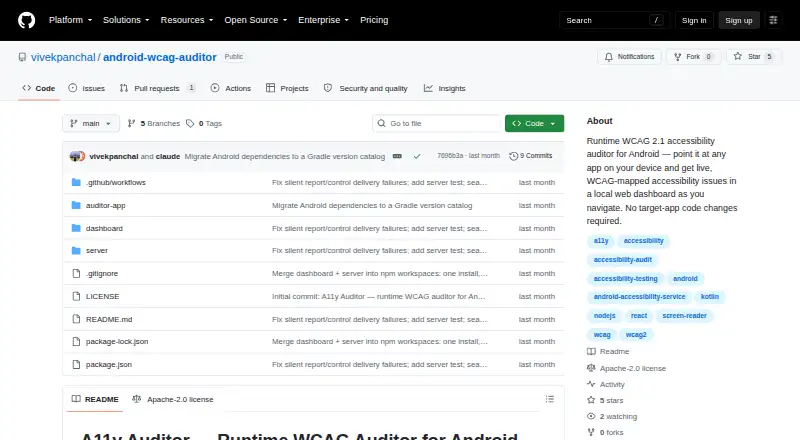
Android WCAG Auditor is a free tool that audits Android apps while they run and sends WCAG-mapped accessibility findings to a local web dashboard. It can inspect another app on the device without changing that app’s code or build. Google’s Accessibility Test Framework checks the accessibility node tree and maps findings to WCAG 2.1 success criteria and levels. Issues appear live, grouped by screen with a severity count. The dashboard exports shareable HTML reports and raw CSV data. When issue bounds are available, screenshots can highlight the failing element; screenshot support requires Android 11 or newer. Reports travel from the Android app to a local Node.js server through adb reverse, with dashboard updates over WebSocket. The project says data stays local and is sent only to localhost. Issues are kept in memory, and Clear Session removes them. Use requires Android 8.0 or newer and adb. The project uses the Apache License 2.0.
Who it suits
It suits auditors checking Android apps, including apps they do not own, and teams needing local WCAG 2.1 reports. Android 8.0-or-newer devices or emulators and adb are required.
What it does well
- Audits apps without source-code changes
- Maps findings to WCAG 2.1 criteria
- Shows issues live by screen and severity
- Exports HTML and CSV reports
- Keeps report data local
What to know first
- No manual review tools
- No remediation guidance
- Screenshots require Android 11 or newer
- Requires adb on the computer
Verdict
Android WCAG Auditor provides runtime checks, local reporting and WCAG mapping without modifying the target app. Its automated scope and Android requirements should be weighed alongside the privacy-focused local setup.
Facts from Android WCAG Auditor's own pages
- Automated scans
- Yes · github.com, 25 Sept 2026
- Browser extension
- No · github.com, 25 Sept 2026
- Checks
- The Auditor runs Google’s Accessibility Test Framework checks and maps findings to WCAG 2.1 success criteria and levels. · github.com, 11 Oct 2026
- CI/CD integration
- No · github.com, 25 Sept 2026
- Exports
- The dashboard can export shareable HTML reports and raw CSV data. · github.com, 11 Oct 2026
- Free plan
- Yes · github.com, 25 Sept 2026
- Integration
- The Android device connects to the local server using adb reverse, and the app sends reports to localhost. · github.com, 11 Oct 2026
- Integrations
- The Android app sends reports to a local Node.js server using adb reverse, and the dashboard receives updates over WebSocket. · github.com, 11 Oct 2026
- Issue checks
- It uses Google’s Accessibility Test Framework to check the accessibility node tree and maps findings to WCAG 2.1 success criteria. · github.com, 11 Oct 2026
- Issue screenshots
- When issue bounds are available, the dashboard and HTML export highlight the failing element on its screenshot. · github.com, 11 Oct 2026
- License
- The project is distributed under the Apache License 2.0. · github.com, 11 Oct 2026
- Live dashboard
- The local dashboard displays issues as they arrive, grouped by screen with a running count by severity. · github.com, 11 Oct 2026
- Maker
- The GitHub profile identifies the maker as Vivek Panchal and lists New Delhi, India. · github.com, 11 Oct 2026
- Maker location
- The maker’s GitHub profile lists New Delhi, India. · github.com, 11 Oct 2026
- Manual review tools
- No · github.com, 25 Sept 2026
- Mobile testing
- Yes · github.com, 25 Sept 2026
- No target changes
- It can audit another app on the device without changes to that app’s code or build. · github.com, 11 Oct 2026
- Privacy
- The project says all data stays local and that the app sends data only to localhost, with no external services. · github.com, 11 Oct 2026
- Purpose
- It audits Android apps at runtime and streams WCAG-mapped accessibility issues to a local web dashboard. · github.com, 11 Oct 2026
- Remediation guidance
- No · github.com, 25 Sept 2026
- Reports
- The dashboard exports shareable HTML reports grouped by screen and raw CSV data. · github.com, 11 Oct 2026
- Requirements
- The device or emulator must run Android 8.0 or newer, and adb must be available on the computer. · github.com, 11 Oct 2026
- Screenshots
- Reported issues can include screenshots with the failing element highlighted; screenshots require Android 11 or newer. · github.com, 11 Oct 2026
- Storage
- The server keeps issues in an in-memory store, and Clear Session wipes it for a fresh audit run. · github.com, 11 Oct 2026
Where Android WCAG Auditor stands on Freedom251
- Accessibility Testing Software#106 of 169