
AKVIS HDRFactory
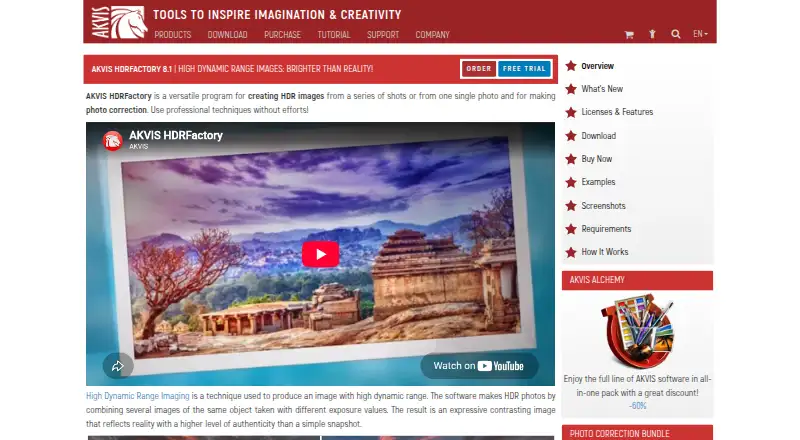
What AKVIS HDRFactory is
AKVIS HDRFactory is image software for creating high dynamic range (HDR) images. It offers both listed HDR merge modes and multiple tone mapping controls, so users can combine images and adjust the appearance of the result. The software supports RAW files and batch processing for workflows that involve camera files or groups of images. Finished images can be saved as TIFF, BMP, JPEG, WEBP, or PNG files.
HDRFactory runs on Windows, macOS, and Linux. AKVIS, founded in 2004, sells the software through four lifetime license options. Home Plugin and Home Standalone each cost $69, paid once and cover 2 computers for non-commercial use. Home Deluxe costs $99, paid once, with the same computer count and non-commercial restriction. Business costs $154, paid once and permits commercial use for 2 computers. A 10-day trial is available; there is no free plan. The Home Plugin and Home Standalone are the lowest-priced options, with the choice between plugin and standalone editions. Buyers choosing an edition can also consider whether they need commercial-use rights.
Who it suits
HDRFactory suits photographers who want to merge images, adjust tone mapping, process batches, or work with RAW files. Its Home licenses cover non-commercial use on 2 computers, while the Business license allows commercial use on 2 computers.
What it does well
- Supports both listed HDR merge modes.
- Provides multiple tone mapping controls.
- Processes batches and supports RAW files.
- Exports TIFF, BMP, JPEG, WEBP, and PNG.
- Runs on Windows, macOS, and Linux.
What to know first
- No free plan is available.
- Home licenses are restricted to non-commercial use.
- Commercial use requires the $154, paid once Business plan.
Limits
The $69, paid once Home Plugin and Home Standalone licenses cover 2 computers and non-commercial use. The trial lasts 10 days, and there is no free plan.
Plans
| Plan | Billed and limits | Price |
|---|---|---|
| Home Plugin | Lifetime License · 2 computers · Non-commercial use | $69, paid once |
| Home Standalone | Lifetime License · 2 computers · Non-commercial use | $69, paid once |
| Home Deluxe | Lifetime License · 2 computers · Non-commercial use | $99, paid once |
| Business | Lifetime License · 2 computers · Commercial use allowed | $154, paid once |
As akvis.com lists them, read 20 Sept 2026. The maker's own page has the final word.
Getting started
- Visit the AKVIS HDRFactory website.
- Choose a Windows, macOS, or Linux platform.
- Select Home Plugin, Home Standalone, Home Deluxe, or Business based on edition and usage needs.
- Use the 10-day trial or choose a lifetime license.
Verdict
Choose HDRFactory if you need HDR merging, tone mapping, RAW support, or batch processing across Windows, macOS, or Linux. The $69, paid once Home options cover 2 computers for non-commercial use. Buyers who need commercial rights must choose Business at $154, paid once.
Questions
Is there a free plan?
No. HDRFactory has no free plan, and a 10-day trial is available.
How much does HDRFactory cost?
Home Plugin and Home Standalone each cost $69, paid once. Home Deluxe costs $99, paid once, and Business costs $154, paid once.
Which platforms does it support?
HDRFactory supports Windows, macOS, and Linux.
What is included in the Home licenses?
Home Plugin, Home Standalone, and Home Deluxe each provide a lifetime license for 2 computers and non-commercial use.
Can I use HDRFactory commercially?
The Business plan permits commercial use and costs $154, paid once for a lifetime license covering 2 computers.
What image formats can it export?
HDR output formats are TIFF, BMP, JPEG, WEBP, and PNG.
Facts from AKVIS HDRFactory's own pages
- Founded
- 2004 · akvis.com, 23 Sept 2026
Where AKVIS HDRFactory stands on Freedom251
- HDR Software#17 of 21